Matthew Wright is an LA-based producer and sound designer. He makes music under the moniker TÆO, and offers sound design services as Wabi Sabi Waves.
We really liked the way Matthew was using our plug-ins, so when we wanted to expand our factory banks with some artist presets, we made sure to reach out! We took a few minutes to sit down with Matthew, get acquainted, and get some insight into his sound design process.
Hey Matthew, how’s it going? How are things in LA lately?
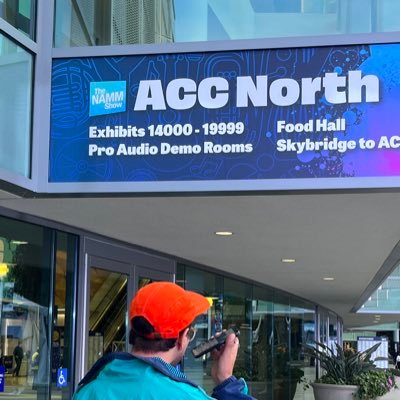
Hey! It’s going well! LA’s great! I am in love with the various, local music and art scenes. It seems on any given day, there’s several events and happenings. Between Flip A Beat Club, LA Synth Club, Scenario808 and the rest of the beatvitationals, there’s always something going on!
Tell us a little bit about how you got into music. What got you hooked?
My first foray into music was middle school piano lessons, followed by guitar lessons. By the end of high school, I had been in a few bands and was giving private lessons. I think what got me absolutely hooked was learning Ableton in community college. After that, I went to university for Music Education and am still constantly attending masterclasses and workshops. I discovered iOS music production in the 2010s and was on my first beta in 2015, Polyplayground.
What was your first interaction with music technology and how did that go?
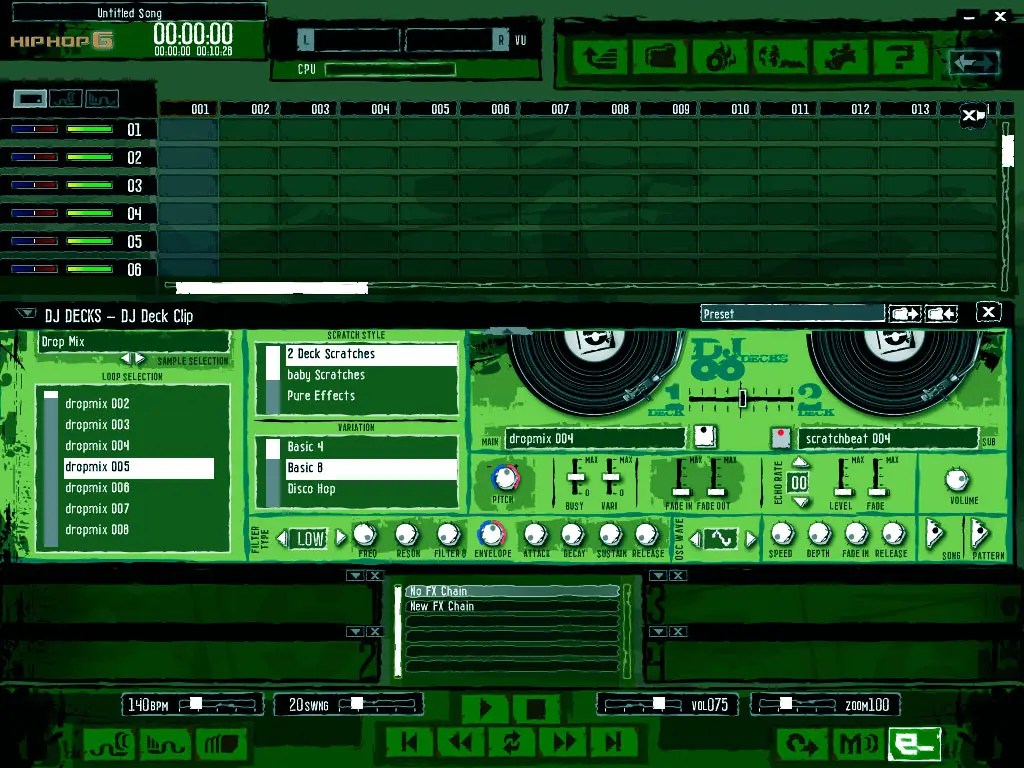
My first interaction with music software was in 8th grade computer class, using Hip Hop eJay. My parents ordered a copy, and I remember having a lot of fun rearranging the premade loops in a timeline. My first interaction with hardware was a Yamaha DJX Keyboard, and after, my first synth, the Korg MS-2000B.
What does your production workflow look like right now? What are some of your go-to pieces of hardware and software?
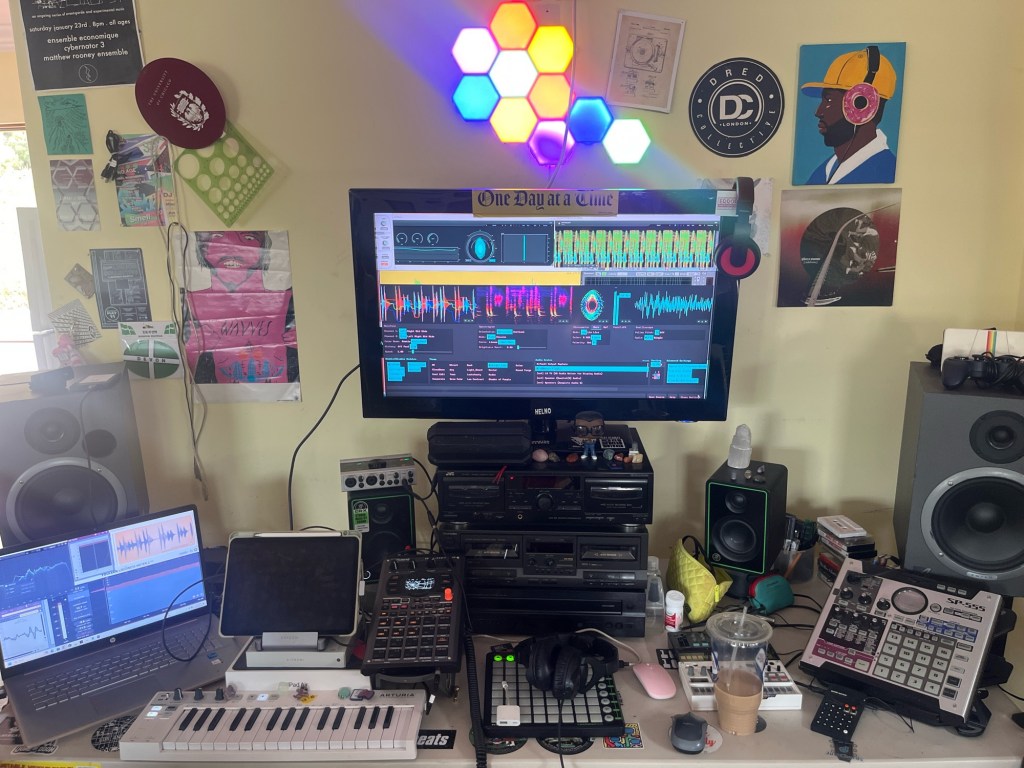
My production workflow can vary, I suppose I’ll start wherever the inspiration lies. It’s kind of a hybrid setup at the moment. I’ve got Ableton on PC and AUM, sometimes Drambo, on the iPad sync’d via Ableton Link, all running into the SP-404mk2. I really love that device and am continually expanding workflow. I recently picked up a Roland TR-6S and have been loving it as a controller/sequencer. I also use the KeyStep, BeatStep Pro, SP-555, and various Volcas and Pocket Operators.
My go-to plug-ins on iOS: Scaler 2, Koala Sampler, Splat-To-Clat, Klevgrand Grand Finale 2, TB Spectrogram, Flux Pro, MixBox, Mozaic, Rozeta Suite, Unfiltered Audio Bass-Mint, and now Sketch Audio Doctor Vibe!

On Desktop: Bird Things Rolling Sampler, Kilohearts Phase Plant, Serato Sample, Amigo Sampler, Roland Zenology, Xfer Records Serum 2, Audiomodern Playbeat 4, Klevgrand One-Shot, Mario Nieto World Chord Generator, GSDSP MMMm, Musik Hack Master Plan, and Direct MiniMeters.
Cool setup! I love to see people using software & hardware together in their workflows. Now let’s get a little bit into the sound design you did for our new FX update.
When trying out a new synth or effect, what do you usually do first? How do you like to explore and learn new software?
When trying out a new synth, typically I’ll start by browsing and favoriting the factory presets. From there, I’ll attempt to learn what’s special about the synth’s architecture or feature set, and exploit those. To learn, it’s usually a combo of RTFM and YouTube, and referring to the Sound on Sound archive. And for effects, it’s usually a matter of feeding it as many different sound sources as possible to discover what it works well with, and maybe some elements it wasn’t intended for.
How do you like to approach sound design? Is it more of an exploratory thing? Or do you start a patch with a goal in mind?
When approaching sound design, I tend to start out with keys and expressive plucky type sounds, as those are my favorite to make. I’ll attempt to make the prettiest preset I can, followed by attempting to “break” the plug-in, finding the boundaries and sweet spots.
What are some cool tidbits you discovered about the Sketch Audio plug-ins while working on your preset banks?
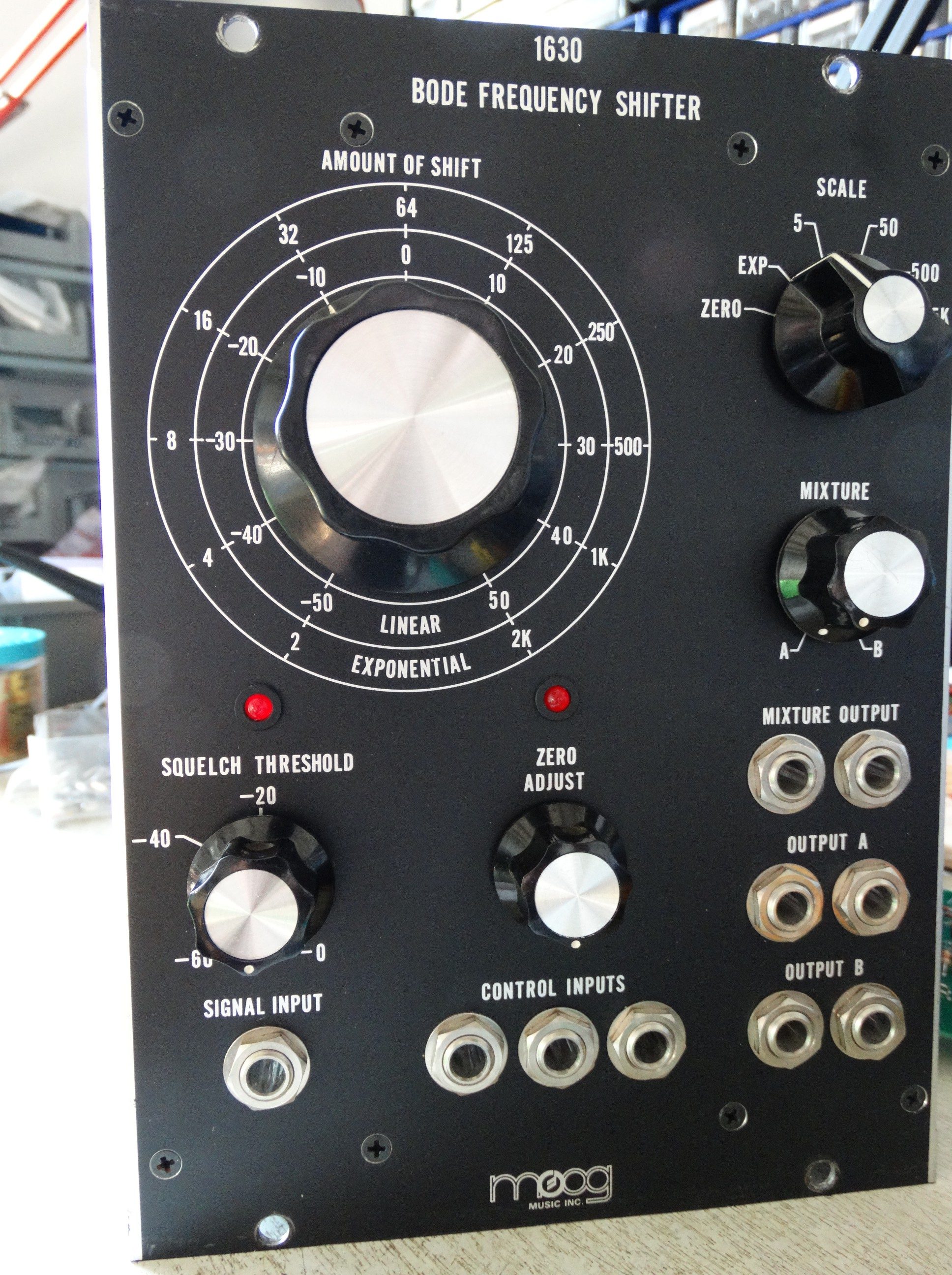
When working on the banks, I did a fair amount of research on the various hardware the plug-ins are modeled and inspired by, and some of the most interesting tidbits I discovered were that Stereolab used the 1630 Bode Frequency Shifter on the drums on “Diagonals” and that NIN used the Doepfer A-106 Filter on “Head Like A Hole”. Regarding the plug-ins themselves, I discovered when you choose to turn on the Auto-Gain makes a big difference on the character, for instance, cranking the drive, and then turning on the auto-gain.
Also, it may be obvious, but muting modules in the plug-in chains is like having two plug-ins in one. (Muting the delay module in Galaxy Brain, for instance.)
What tips do you have for people that want to get the most out of Sketch Audio plug-ins and Morph Settings?
Map the morph slider to a MIDI controller fader/knob/etc. Some of the presets beckon to be played like an instrument. For several of the presets, different values lie on each end of the morph slider, providing alternate flavors in the same preset to shift between. On others, the flavors slide from subtle to extreme, with plenty of sweet spots to discover in between.
For each plug-in, what’s your favorite preset from your banks and what should people run through it first?
- Doctor Vibe – 303 SR Long > Lo-Fi and 202 SR Lo-Fi > Lo-Fi 2 – both are quick ways to access that degraded sample rate sound from the early SP series, with close accuracy. Breaks and drum loops definitely! Also melodic samples and electric basses.
- Fuzz Droid – JVex JFET – I think guitar and bass are the obvious answers, but really any stringed instruments. I love processing squelchy 303 basses and synth leads with Fuzz Droid!
- Galaxy Brain – Peaks Reactive LAG – Vocals, Granular Samples, and FM Bells
- Hyper Boost – Adaptive Terminology – Drum Machines and Basses
- Scissor Hands – Daydream S950 Butterworth – Drum/Percussion Loops, Amen Breaks!
We’re super excited to include these new preset banks from Matthew and we think they complement the existing factory presets really well. Some of them are creative, pushing the plug-ins to their limits, while others are more straightforward and subtle, a nice variety! We encourage folks to check them out.
How can people find you on the internet if they want to check out your music?
My Linktree has all my releases and socials, etc. https://linktr.ee/Taeo
And check out more of your sound design?
You can find my presets within a few apps in the App Store: Robkoo Qithesizer, AudioKit King of VHS, J6 Synth One, NERD Synth, and now the Sketch Audio effect Apps.
I sell preset banks on my payhip as well https://payhip.com/u798464827
Thanks Matthew, great to get acquainted! We can’t wait to get more of your presets in our next releases. 🙂
 Sketch Audio